
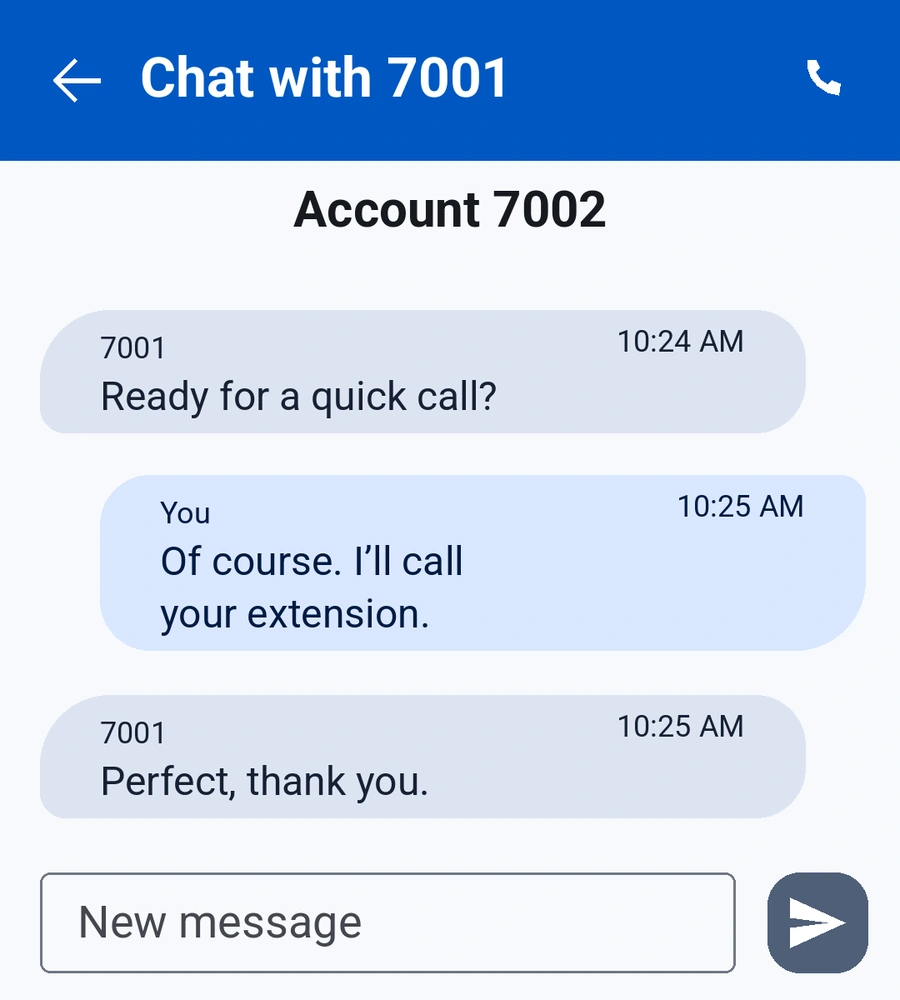
Keep in touch, in text.
SIP messaging gives you another way to continue the conversation, alongside your calls.
Business calls, video and messages. One thoughtfully designed mobile app, connected to the SIP service you already use.
Bring your existing SIP account or business PBX extension. We’ll help you explore the fit.
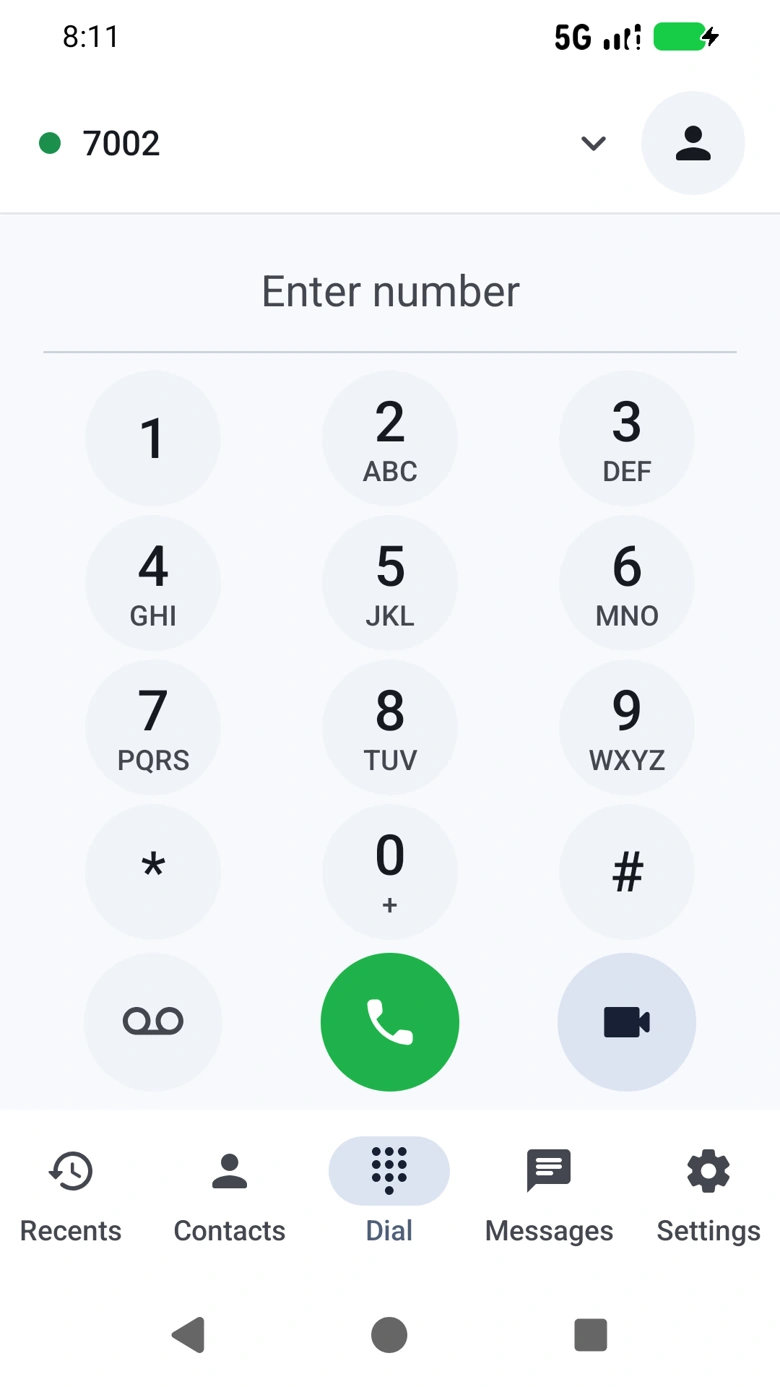
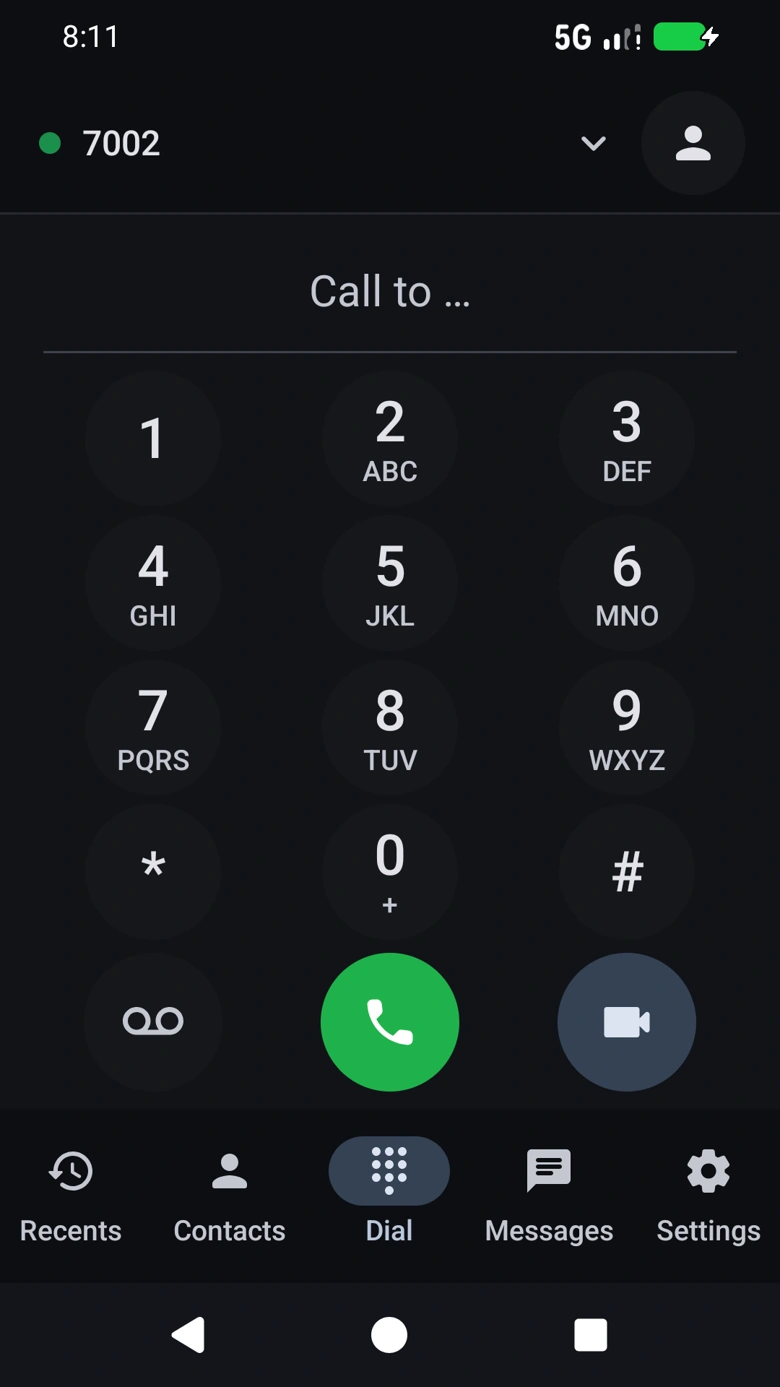
The essentials you reach for every day, with the flexibility your phone system needs.
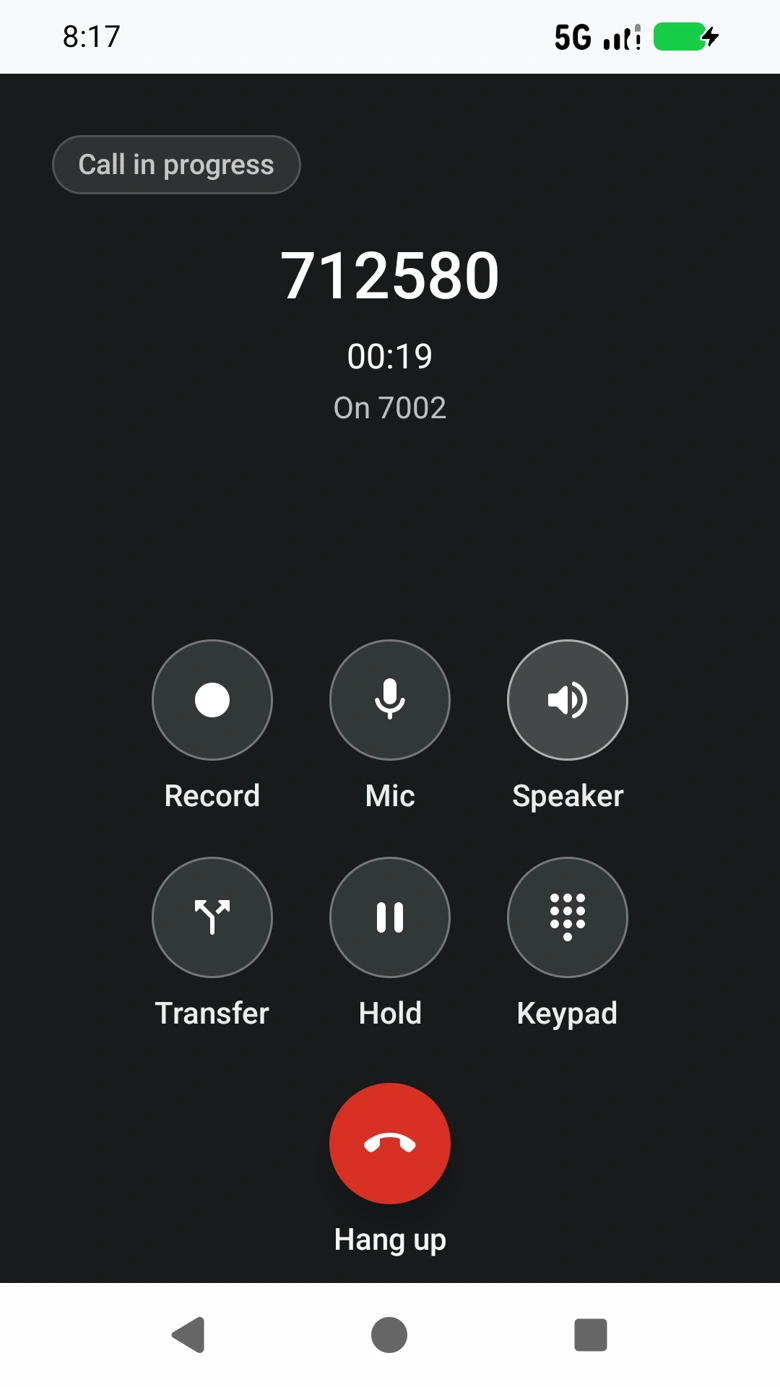
A customer needs a colleague. You need a moment to check a detail. ForgeDial keeps the right controls close, so your conversation can move naturally.
A focused interface for your people. Useful configuration for the people who manage the system.
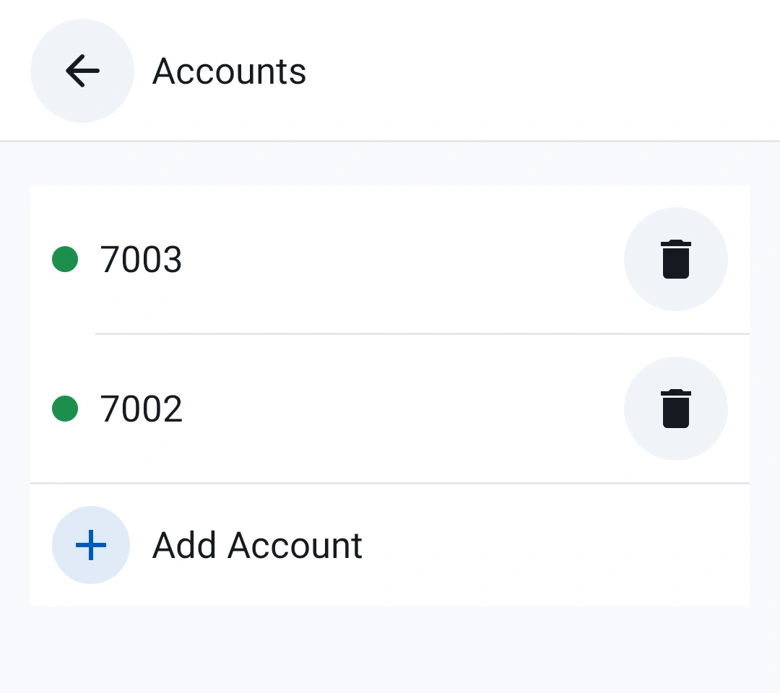
Actual app interface. Features depend on your provider and configuration.
Actual app interface. Features depend on your provider and configuration.
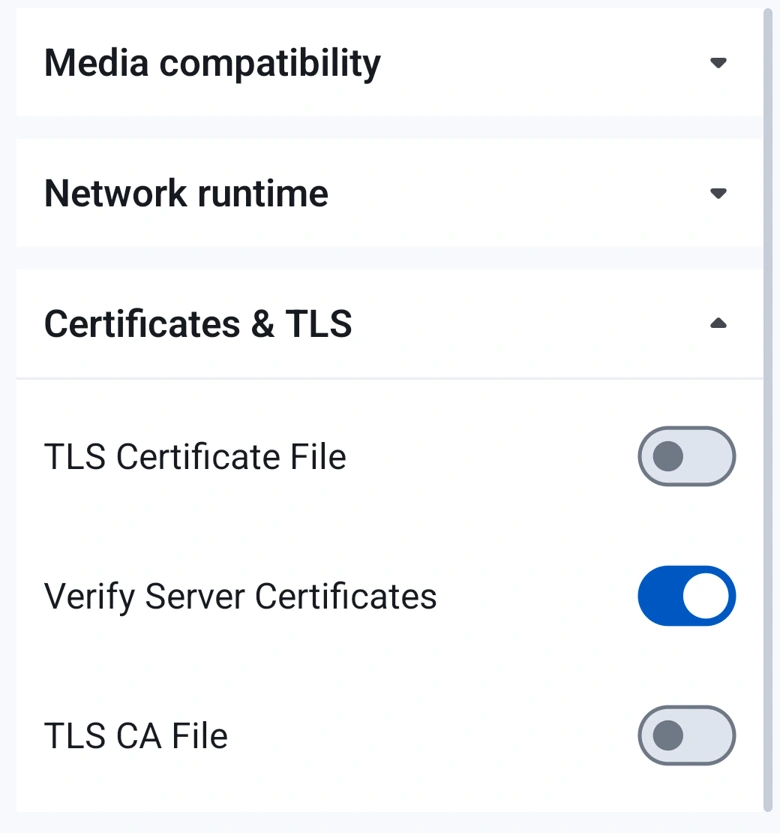
Actual app interface. Features depend on your provider and configuration.
Video, messaging, transfer and media security require compatible SIP infrastructure and peer support.
The small things that make a softphone part of your working day.
SIP messaging gives you another way to continue the conversation, alongside your calls.
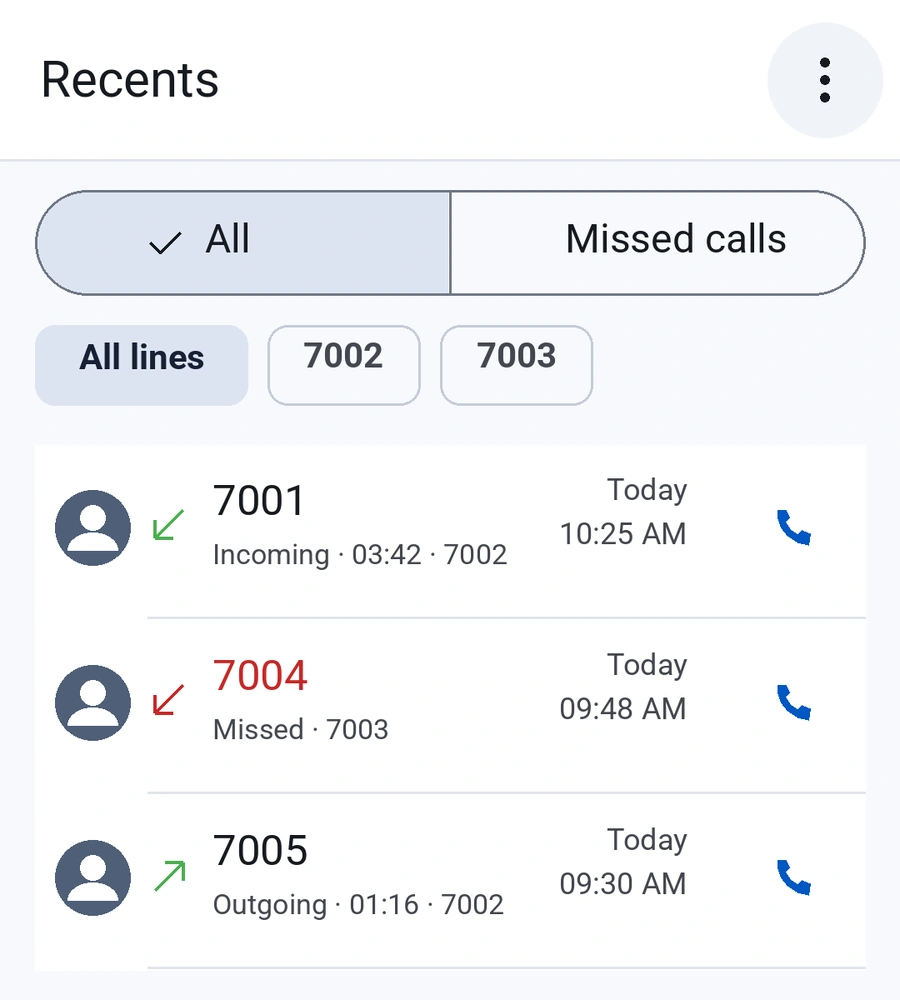
Find recent calls, return a missed conversation and reach people through your contacts.
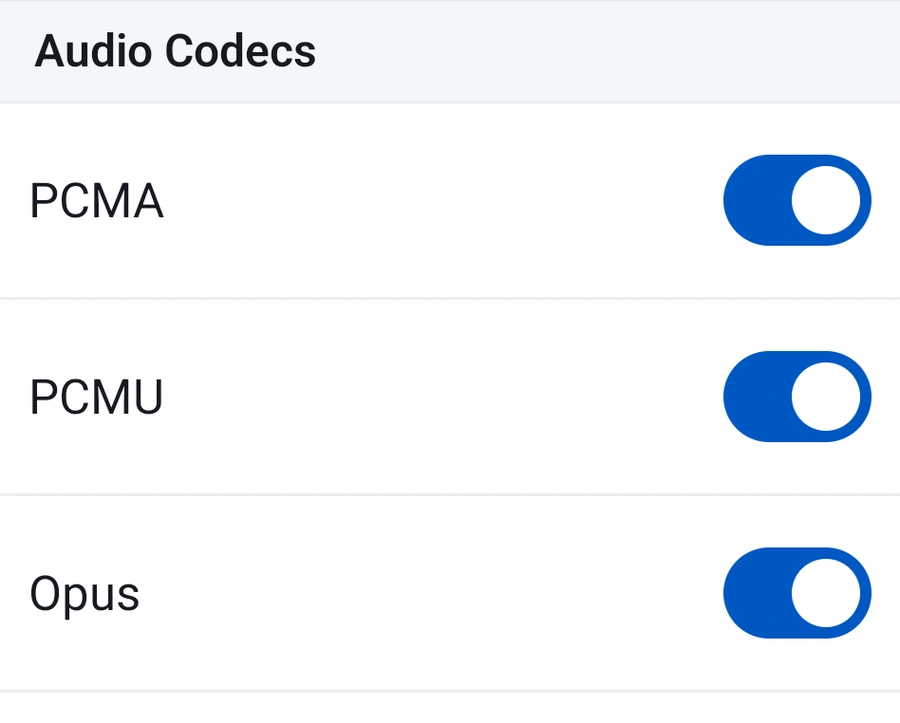
Audio and video codec preferences, NAT settings and transport choices help you fit your existing setup.
Keep your SIP provider or IP PBX. Bring its calling capabilities into a mobile client that puts people first.
Get your server and authentication details from your SIP provider or PBX administrator.
Add the account and apply the transport and media settings recommended for your system.
Check registration, make a test call and explore the controls your team uses most.
Start with the essentials. If your environment is more specific, we’re here to talk it through.
Visit supportA SIP softphone lets you make and receive internet calls through an existing SIP provider or IP PBX. ForgeDial gives that service a familiar mobile interface for calls, messages and multiple accounts.
Yes, when your provider or PBX allows compatible SIP clients. Ask your administrator for the server address, username, authentication details and recommended transport settings. A demo can help you assess your particular setup.
Your provider supplies the phone service, telephone numbers and calling plan. ForgeDial is the client you use to access that service; provider and network charges may apply.
Yes. Add multiple SIP accounts, check their registration status and choose the line for a call. Account permissions and simultaneous calling behavior depend on your SIP environment.
ForgeDial provides transport and media-security settings, including TLS and SRTP options. Protection depends on the chosen settings, certificates, provider and peer support. Installing a softphone alone does not guarantee end-to-end encryption.
Use the demo request form to share your contact details and whether you already have VoIP infrastructure. We will follow up by email to discuss your environment and arrange a suitable next step.
Tell us about your SIP environment. Let’s explore how ForgeDial fits your team.